Keychron
Keychron Q1 Max Wireless Mechanical Keyboard
The Keychron Q1 Max is a premium 75% layout wireless mechanical keyboard built around a solid aluminum frame, sitting at the higher end of the enthusiast market.
### Overview
The Q1 Max is Keychron's flagship 75% wireless mechanical keyboard, sitting at the top of the Q series with a fully CNC-machined aluminum body, tri-mode wireless connectivity, and extensive acoustic dampening. It's a 75% keyboard filled with foam for a smooth typing experience, featuring Gateron Jupiter switches and a 1,000 Hz polling rate. The fully assembled version retails for $209, with a barebone version (no keycaps or switches) available for $189.
---
### Pros
- **Low-latency wireless:** The 2.4 GHz dongle and wired USB-C connection both deliver a 1,000 Hz polling rate, while Bluetooth runs at 90 Hz — meaning the dongle is a genuine option for latency-sensitive work or gaming, not just a convenience feature. - **Exceptional build rigidity:** The case is made from 6063 aluminum that is CNC machined, sandblasted, and goes through more than 24 manufacturing stages — resulting in zero flex no matter how much force is applied. - **Deeply dampened acoustics:** The double gasket design includes silicone pads between the top and bottom cases, and a combination of IXPE, PET, and latex acoustic foams work together to reduce unwanted resonance — a meaningful upgrade over most keyboards in this price range. - **Broad switch compatibility and full programmability:** You can hot-swap every switch with almost all 3-pin and 5-pin MX-style switches on the market — including Cherry, Gateron, Kailh, and Panda — without soldering. The open-source QMK/VIA software lets you remap any key and create macros directly in a browser.
---
### Cons
- **Significant weight:** Weighing nearly 1.8 kg, the Q1 Max is an imposing build even as a 75% form factor — it won't budge on your desk, but it's impractical to carry between locations. - **No tilt adjustment:** There are no adjustable feet on the base, so you're fixed at the keyboard's built-in 5.2-degree angle. Users who prefer a flatter or steeper typing angle have no recourse short of modifying the board. - **Wrist rest sold separately:** This is a thick-bodied keyboard that you'll likely want to use with a wrist rest, which Keychron sells as an add-on — an extra cost on top of an already premium price. - **QC inconsistency reported:** Some users have received units with over-lubed stabilizers causing keys to stick, requiring disassembly to fix — a frustrating issue at this price point.
---
### Who It's For
The Q1 Max is great out of the box but can grow with your typing experience or customization interests and is built to last. It's well-suited for writers, developers, and multi-device power users who want a single premium board that works seamlessly across a Mac, a Windows PC, and a tablet — connecting via Bluetooth 5.1 to up to three devices simultaneously. It also appeals to keyboard enthusiasts who want a solid foundation for switch and keycap experimentation without diving into fully custom builds.
---
### Not Right For
Budget-conscious buyers or mechanical keyboard newcomers — first-timers may want to look at lower-priced models before committing to a $200+ board.
Key features
- Wireless via Bluetooth and 2.4 GHz
- hot-swappable switches
- solid aluminum frame
- Mac/Windows compatibility
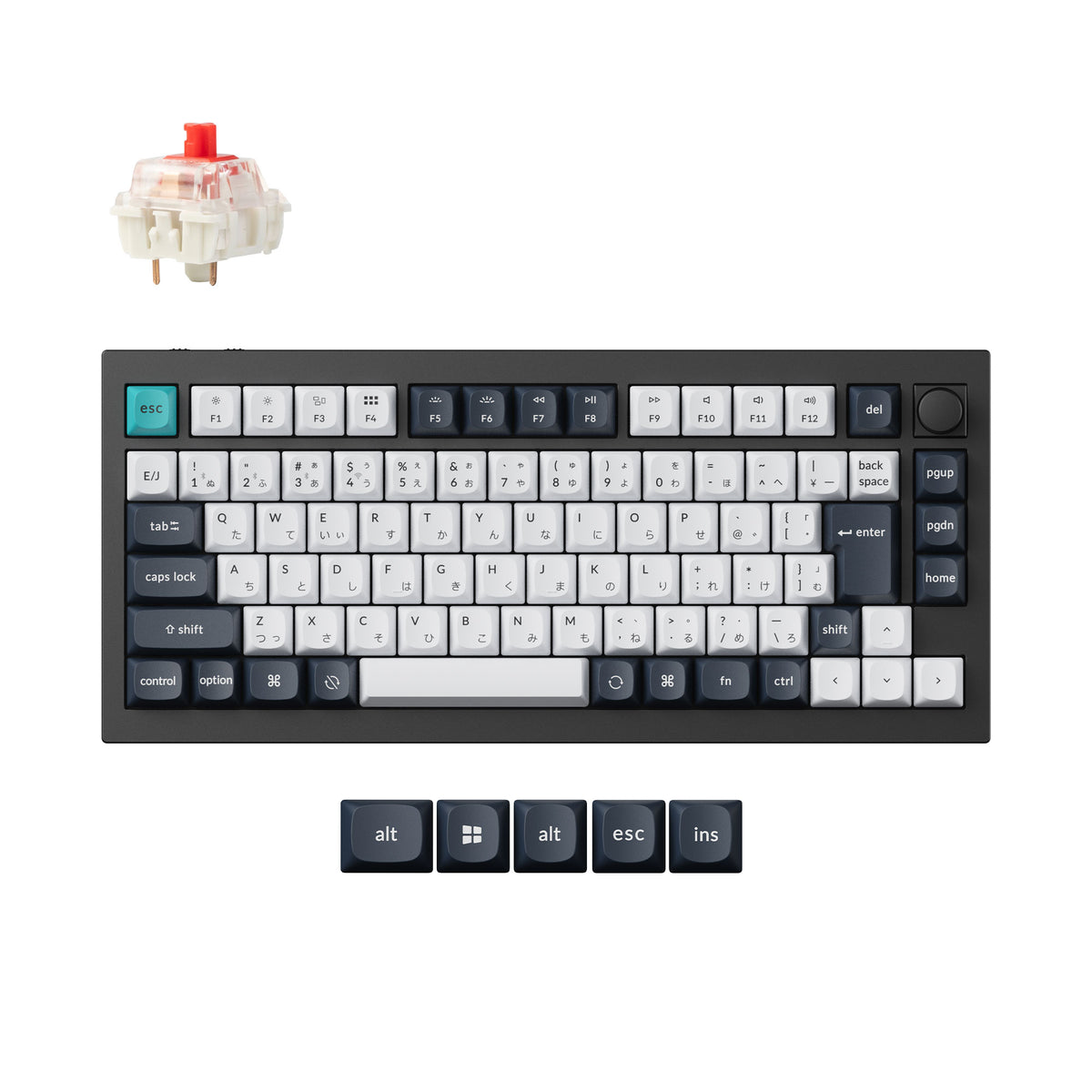
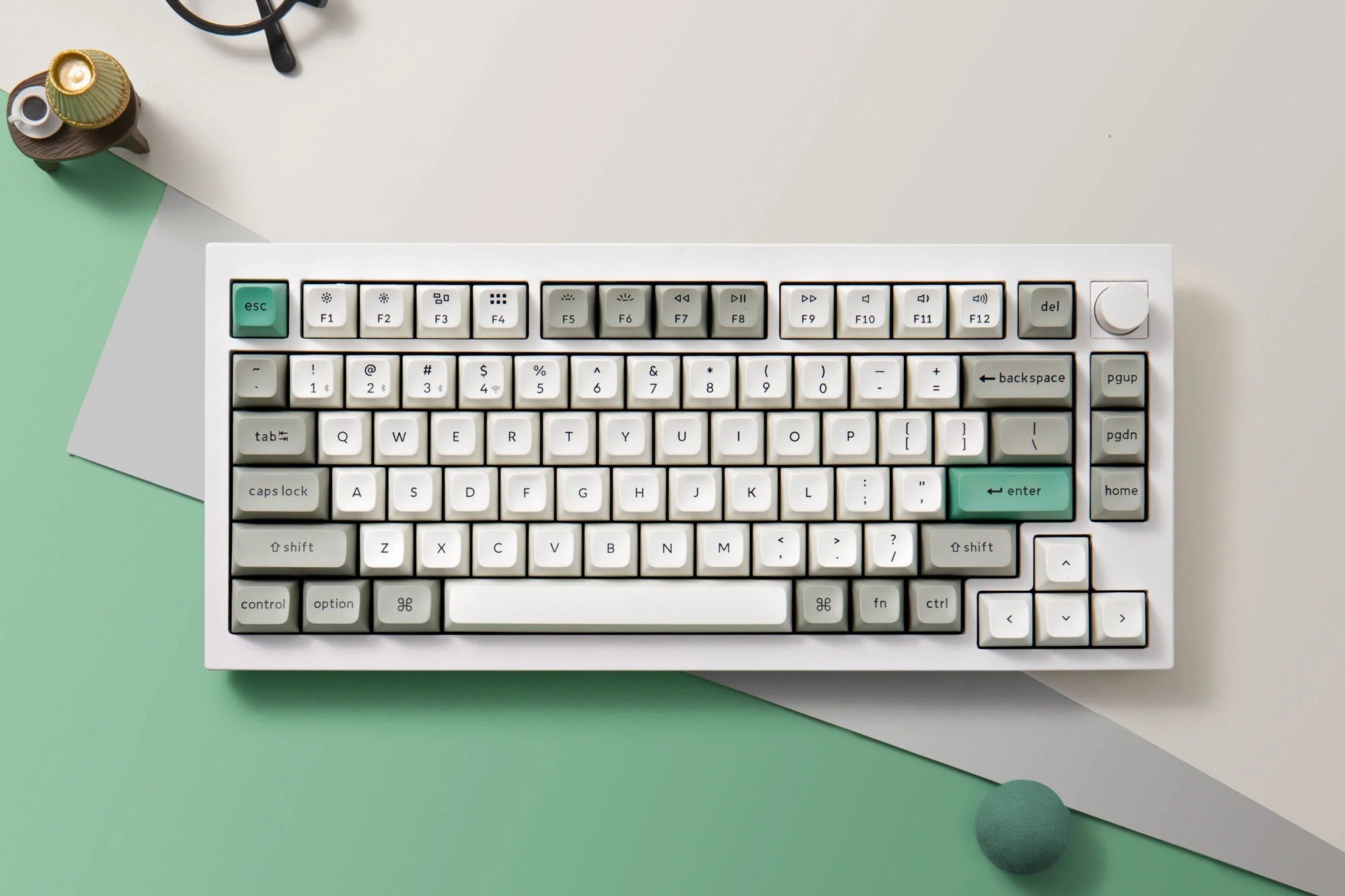
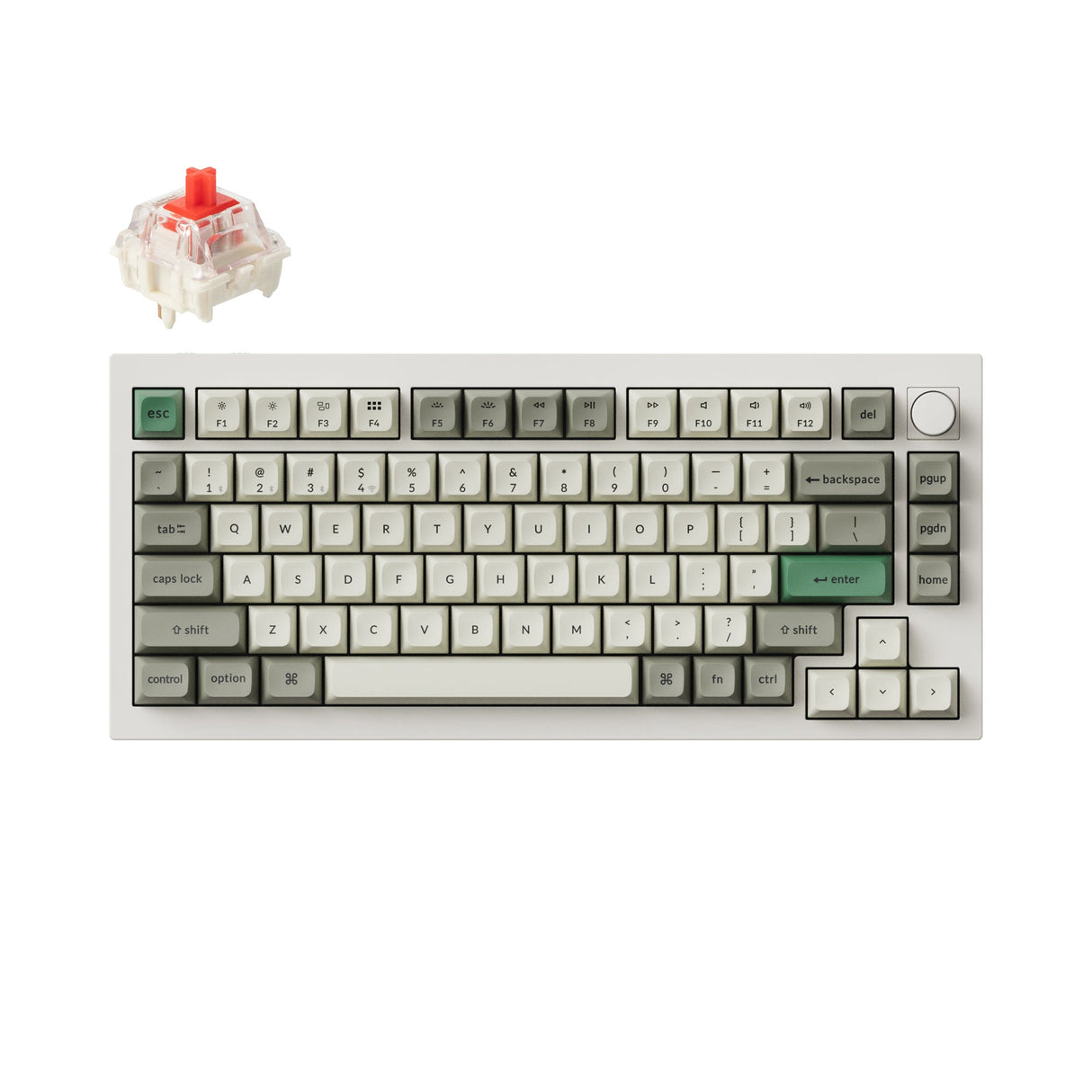
A gasket-mounted aluminum board that takes wireless seriously — rare at this build quality.
What stands out
- Solid aluminum construction gives it a substantial, premium feel that stands out among wireless keyboards
- Hot-swappable switch sockets let you change switches without soldering, making it easy to tune the typing feel over time
- Dual wireless modes — Bluetooth and 2.4 GHz — alongside wired USB-C offer genuine flexibility across setups
- Ships with Mac and Windows key layouts included, covering both ecosystems without compromise
What to weigh
- Heavier than typical wireless keyboards due to the aluminum chassis, which makes it less portable
- Premium build quality comes at a price point that puts it well above budget and mid-range alternatives
- 75% layout omits the numpad and some function keys, which won't suit everyone's workflow
Great fit if
- Enthusiasts who want a high-build-quality wireless board without giving up switch customisation
- Mac and Windows users who switch between machines and need reliable multi-device connectivity
- Desk setups where a clean, cable-free look matters but typing feel is still a priority
Skip it if
- Anyone who needs a numpad or prefers a full-size layout for data-heavy work
- Buyers looking for a lightweight keyboard to carry between locations regularly
- Those on a tighter budget who don't need the premium aluminum chassis