ASUS
ASUS Zenbook14 OLED (Q425) laptop for men, minimalist design
The ASUS Zenbook 14 OLED (Q425) is a slim, lightweight 14-inch laptop positioned in the premium ultrabook segment, built around an OLED display panel.
### Overview
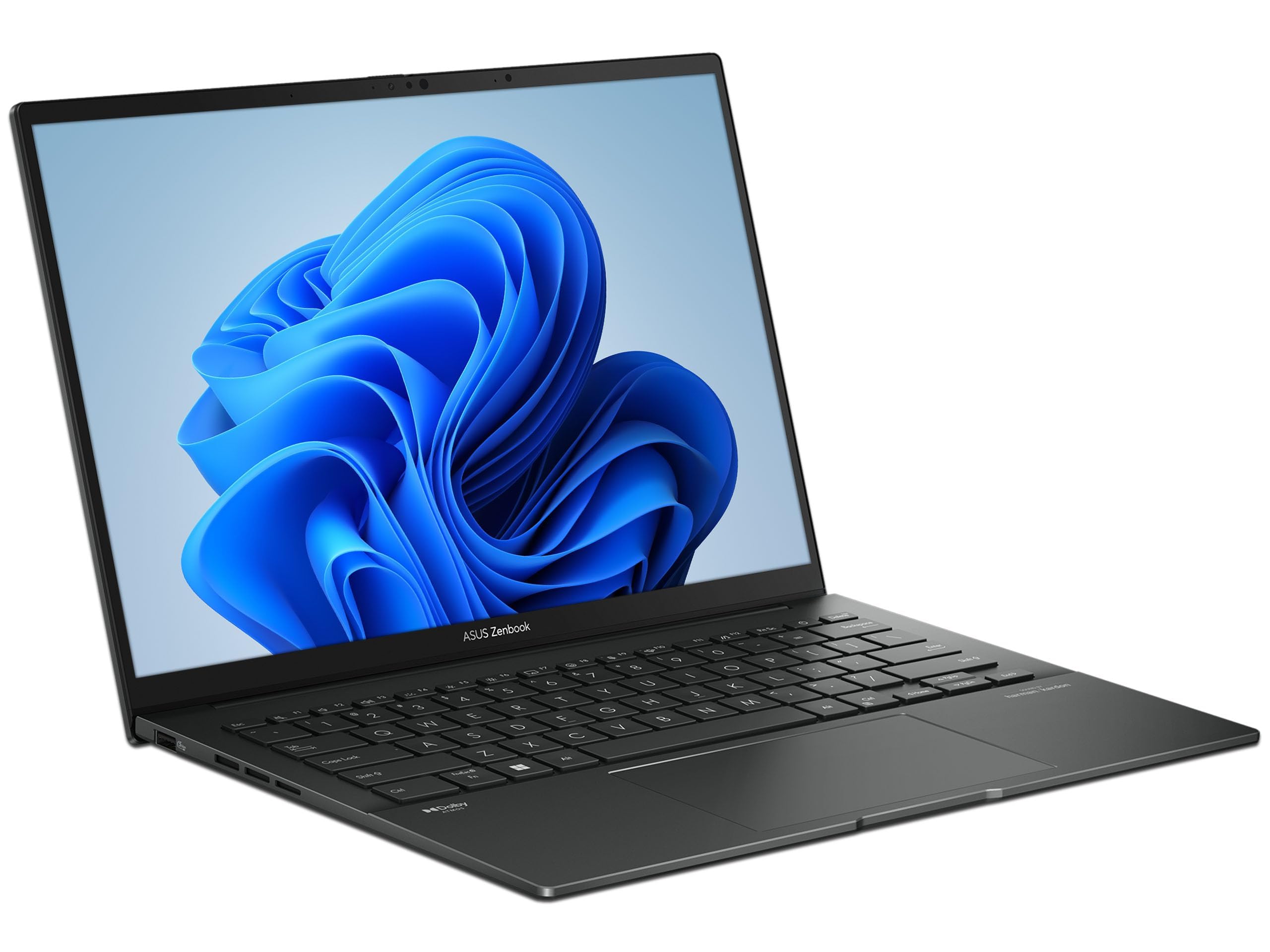
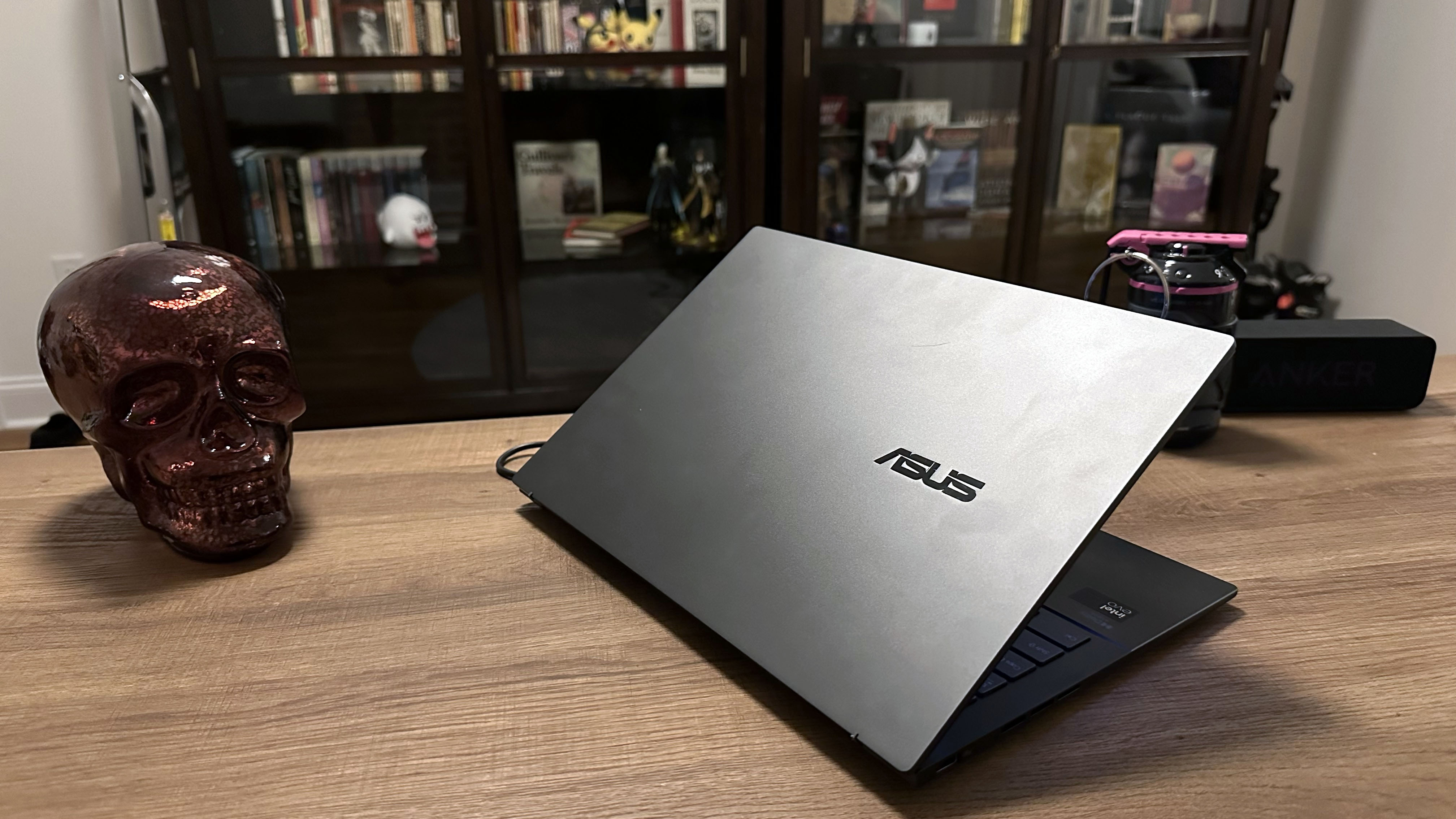
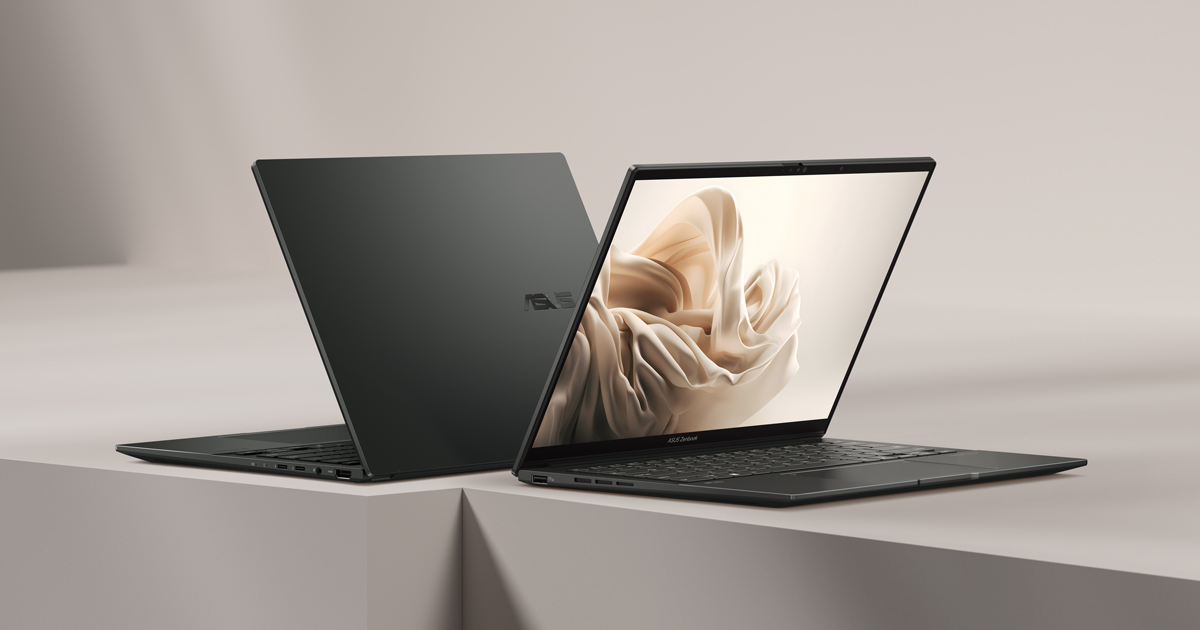
The Zenbook 14 OLED (Q425) is an ultraportable laptop featuring a 14-inch OLED panel, an Intel Core Ultra 7 processor, Harman Kardon and Dolby Atmos speakers, and a smooth keyboard. It sports a glossy dark chassis with a Jasper Gray finish and a shiny ASUS logo on the cover, delivering a proper minimalist elegance. With excellent battery life and a competitive price point, it's an easy laptop to recommend for those who prioritize portability and screen quality.
---
### Pros
- **Exceptional Battery Life:** In web-browsing tests it lasted roughly 12.5 hours — well above the class average — and hit an impressive 18 hours in video-looping tests, meaning most users can confidently leave the charger at home for a full workday. - **Solid, Portable Build:** The aluminum chassis and lid resist bending, flexing, or twisting, and the whole machine comes in at just 0.59 inches thick and 2.82 pounds — genuinely pocketable for daily commuters and frequent travelers. - **Vibrant OLED Display:** Independent colorimeter testing found colors at 100% of sRGB and 100% of DCI-P3, with excellent contrast, inky blacks, and a Delta-E accuracy of 0.90 — a meaningful visual upgrade over the IPS panels common at this price range. - **Strong Connectivity:** The port selection includes two Thunderbolt 4 ports (up to 40Gbps), one USB 3.2 Gen 1 Type-A, HDMI 2.1, a 3.5mm audio jack, and Wi-Fi 6E with Bluetooth 5.3 — covering virtually every peripheral and display scenario without a dongle.
---
### Cons
- **FHD+ Resolution Only:** Some other 14-inch Zenbooks ship with sharper 2.8K (2880×1800) displays, and this panel is limited to 60Hz at a time when the industry is shifting to 120Hz and faster — a noticeable trade-off for anyone who values buttery-smooth scrolling or pixel-dense text. - **RAM Is Not Upgradeable:** The RAM on the Zenbook 14 OLED Q425 is soldered and cannot be upgraded after purchase, so it's worth paying for the 16GB or 32GB configuration upfront if you plan to keep this machine for several years. - **Glossy Display Struggles Outdoors:** If the display were just a little brighter to deal with glare, it would be a near-perfect laptop — the glossy panel can be a real hindrance in bright outdoor or window-lit environments. - **Integrated Graphics Only:** The Intel Arc GPU is an integrated type with system-shared memory, and while above average for its class, integrated GPUs are not the best option for graphics-heavy applications such as video rendering and gaming.
---
### Who It's For
If you want to be untethered from outlets for a full workday and still have battery life for some work or play on your commute home, the Zenbook 14 OLED is the best ultraportable Windows laptop to consider. It's a smart fit for those seeking a capable laptop for travel needs or mobile professionals doing lighter work in Microsoft Office or Google's ecosystem on the road. The clean Jasper Gray aesthetic and slim profile also make it a natural match for anyone who prefers understated, no-fuss hardware.
---
### Not Right For
Power users who need a dedicated GPU for video editing, 3D rendering, or gaming — the integrated Intel Arc graphics will bottleneck those workflows, and a discrete-GPU laptop would serve them far better.
Seen at 5 retailers from $649.99 to $1799.99 as of 2026-07-15. Prices change — check the retailer for the current price.
The OLED panel is the centrepiece — colour accuracy and contrast are where this machine earns its keep.
What stands out
- OLED display delivers deep blacks, vivid colour, and strong contrast that most competing ultrabooks at this size cannot match
- Compact and lightweight chassis suits commuters and frequent travellers
- ASUS typically equips this line with capable mid-to-high-tier Intel or AMD processors suited to productivity workloads
- Minimalist industrial design keeps the aesthetic understated and professional
What to weigh
- OLED panels carry a long-term burn-in risk with static screen elements, requiring some user management
- Integrated graphics limit serious creative or gaming workloads
- Fan noise can rise noticeably under sustained CPU load given the thin chassis
- Port selection on slim ultrabooks in this class is often limited, potentially requiring a hub
Great fit if
- Professionals or students who prioritise display quality for content consumption and colour-sensitive work
- Frequent travellers who need a light, carry-friendly machine
- Users who want a clean, no-frills aesthetic without gaming or workstation branding
Skip it if
- Anyone needing dedicated GPU performance for 3D rendering, video editing at scale, or gaming
- Users who require a wide array of ports without carrying adapters
- Those sensitive to OLED burn-in risk or who leave static content on screen for long periods